
|
|
| Add to Blogger : |
|
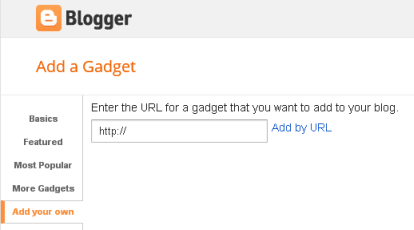
1. Pick a Gadget 2. Copy the Gadget Source in the Textbox 3. Log in to Blogger, click on Design view 4. Click on "Add a Gadget" 5. Click on "Add your own" 6. Paste the Gadget Source 7. Click on "ADD BY URL" |
|
| Add to a Web page : |
|
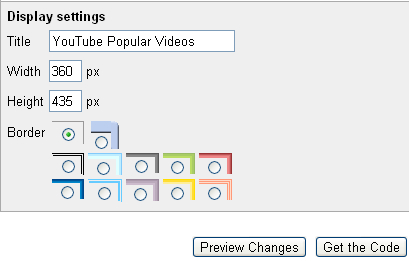
1. Pick a Gadget 2. Click on the "Add" button will 3. direct to Google Gadget page for this Gadget 4. Scroll down 5. Click on "Get the Code" 6. Copy and Paste the code on your HTML page |
|
|
This Service is not
intended for children under 13. Parents, please read.
|
© Copyright 2005 - 2012 go000.com - All Rights Reserved |